Feature
Mobile simulator
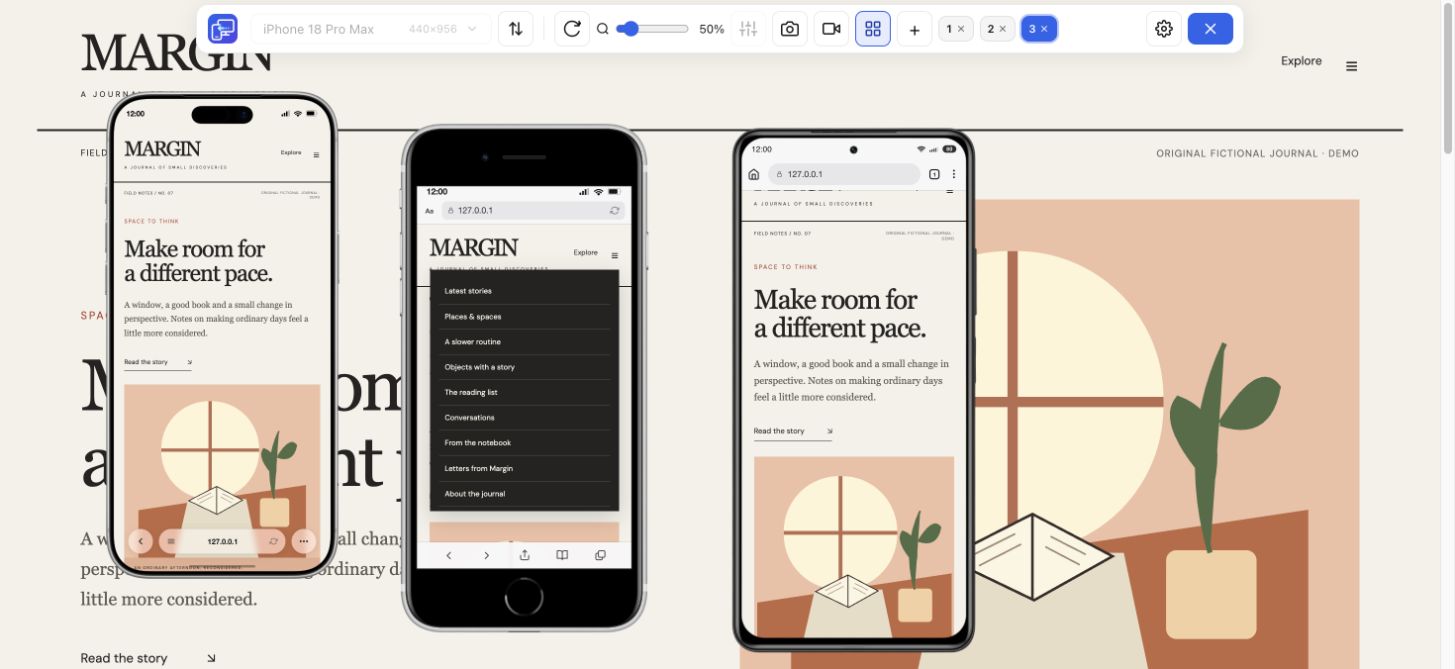
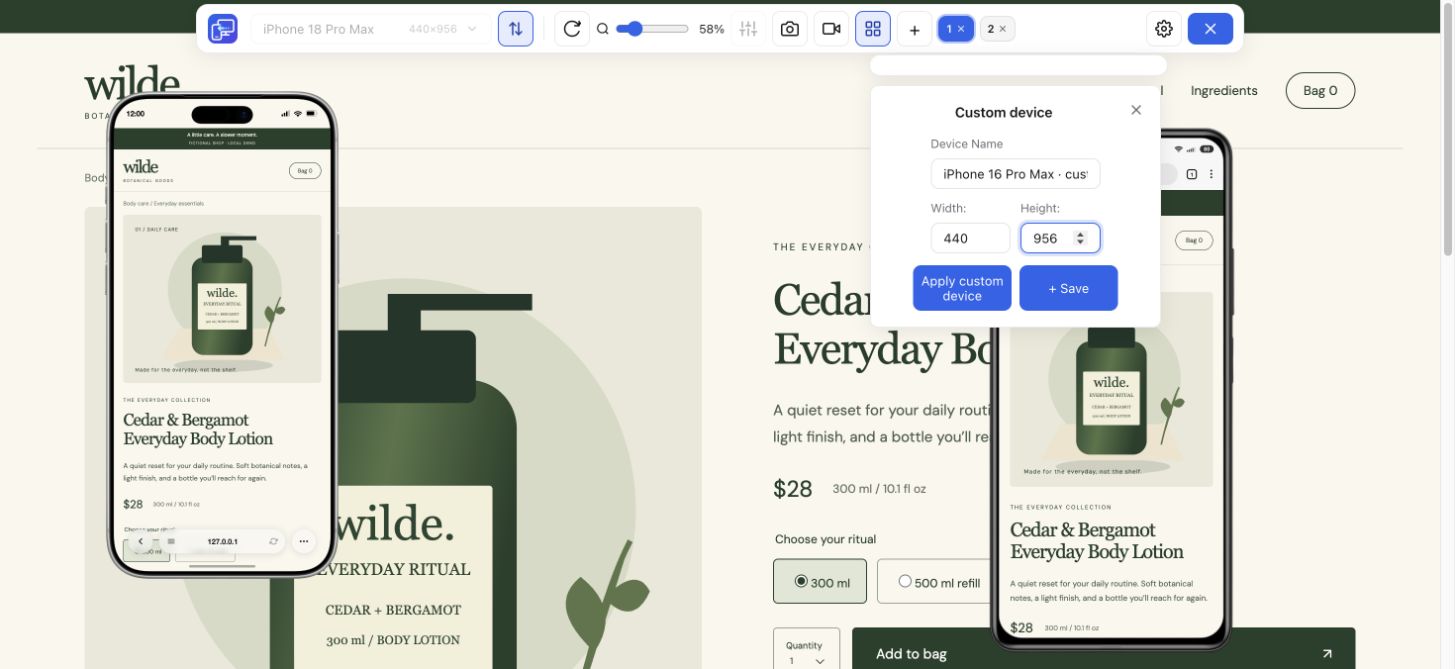
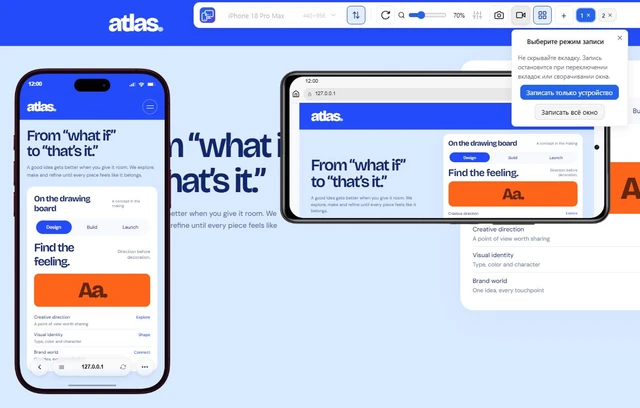
Choose a phone or tablet, rotate its preview, and try custom screen sizes.
Explore feature Mobile Viewer
Website in 52 languages
Mobile Viewer features
Explore the ways to preview and compare a website in Chrome.
Feature
Choose a phone or tablet, rotate its preview, and try custom screen sizes.
Explore featureFeature
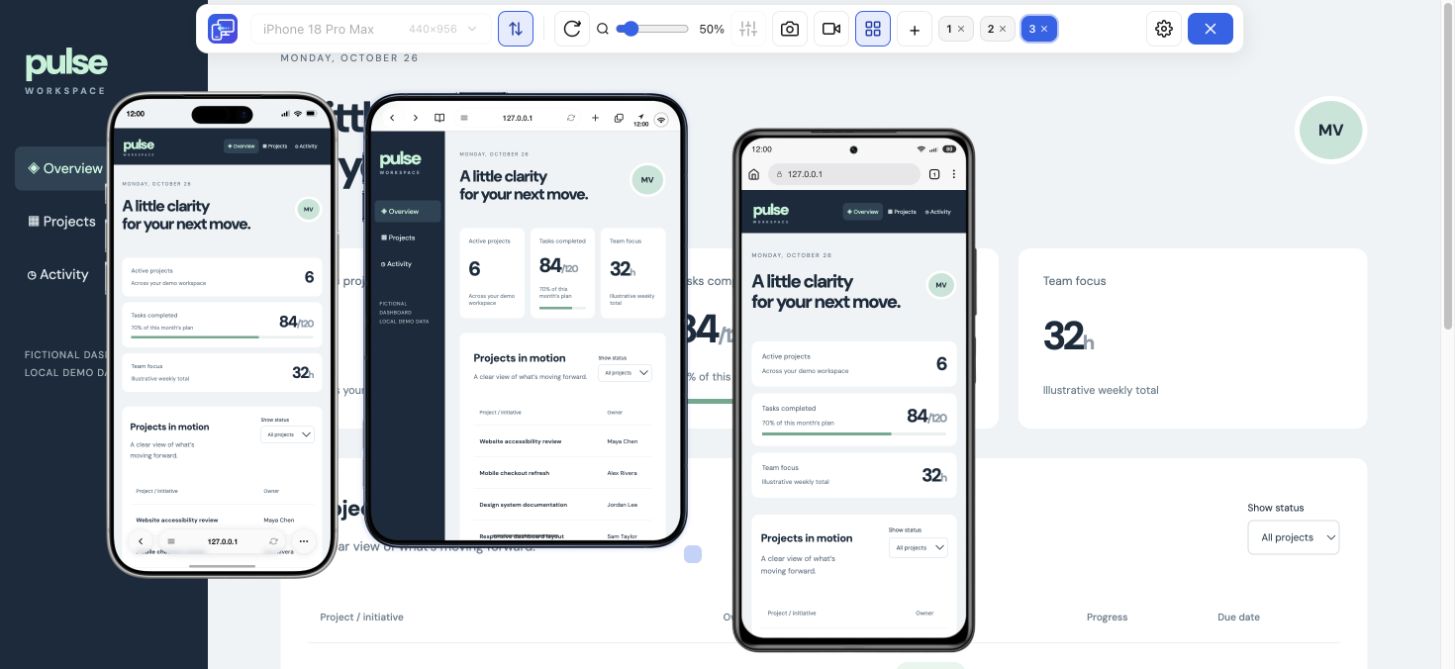
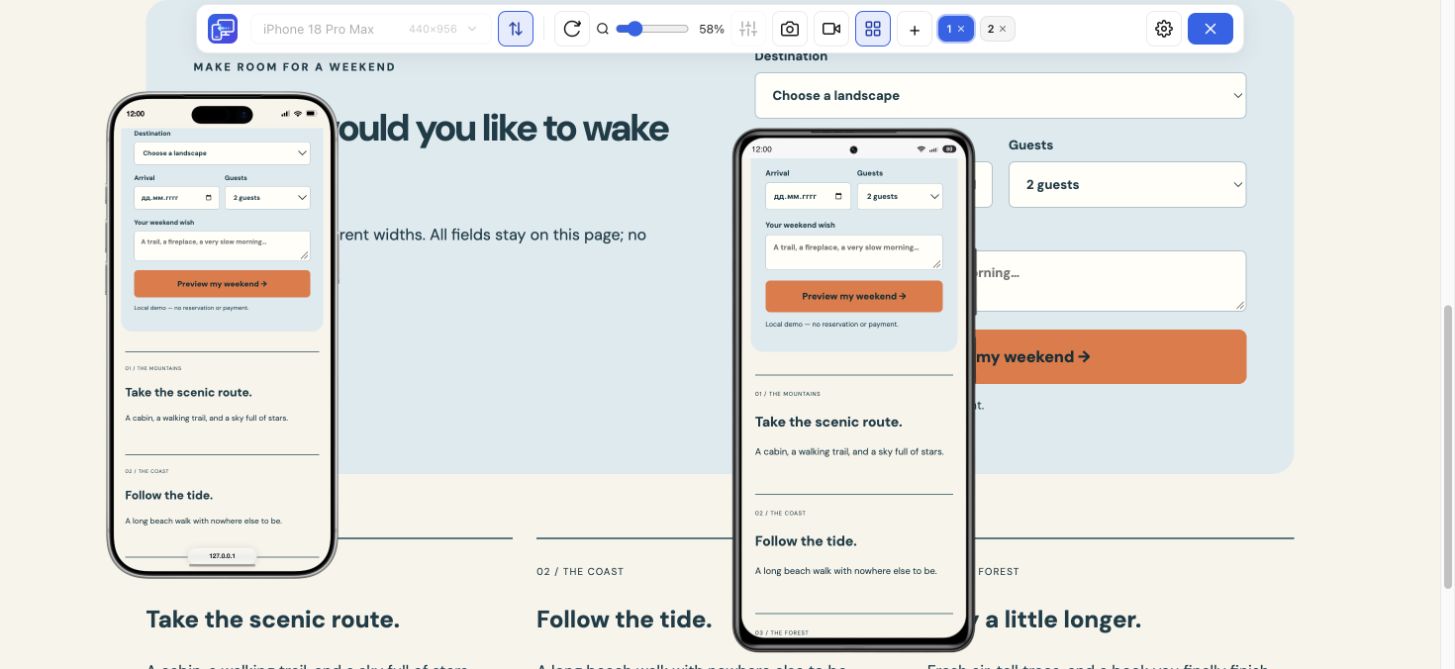
View the current website on mobile sizes alongside its desktop version.
Explore featureFeature
Install once, open your website, and preview mobile layouts in the same tab.
Explore featureFeature
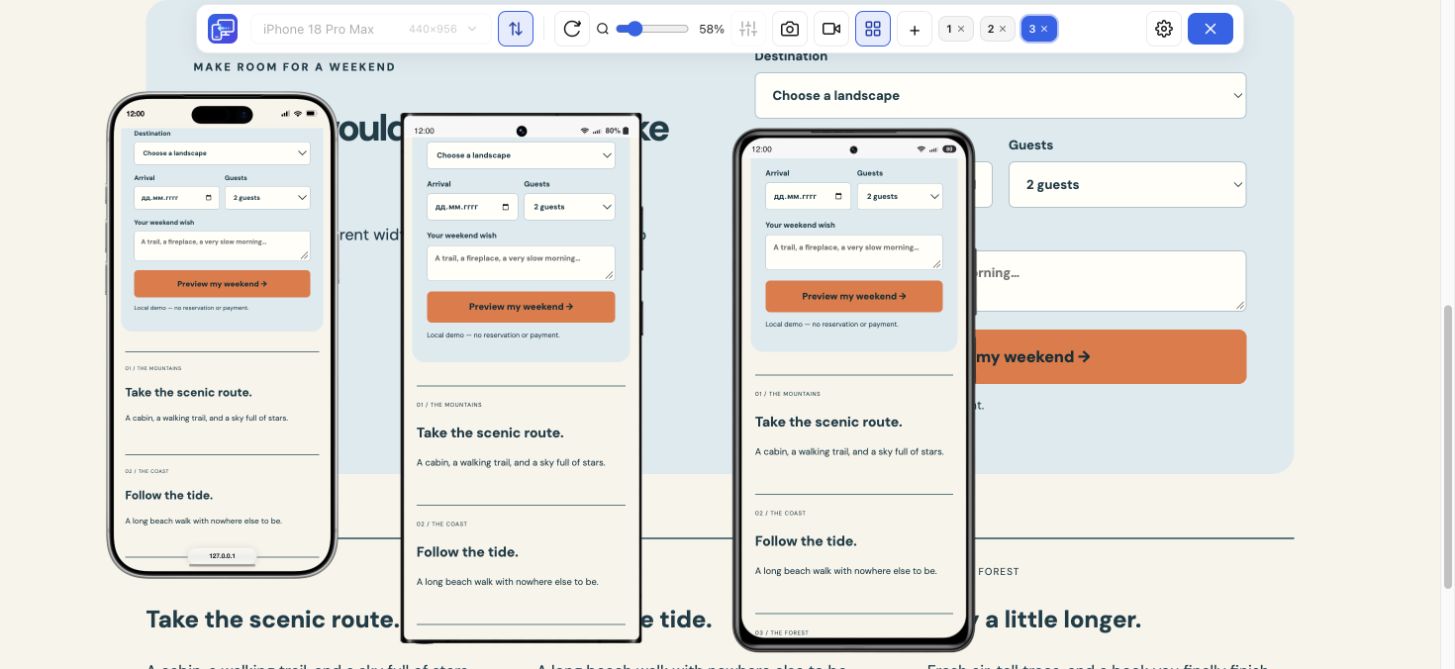
Inspect layout changes at several screen widths and around your breakpoints.
Explore featureFeature
Follow a user journey across mobile sizes and record what needs fixing.
Explore featureFeature
Record one device preview or the whole tab to explain a website interaction.
Explore featureFeature
Check your website at compact and large iPhone sizes, side by side.
Explore featureFeature
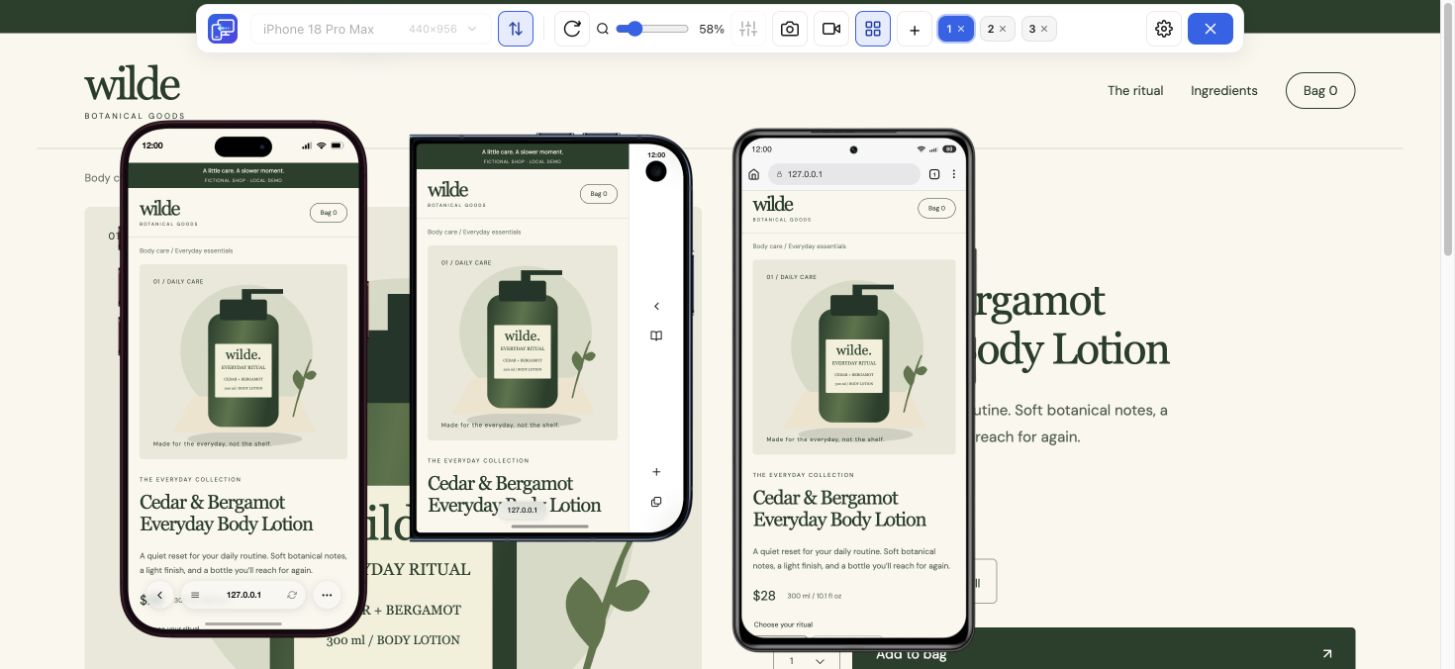
Compare Samsung, Pixel and Xiaomi website layouts in your Chrome workspace.
Explore featureFeature
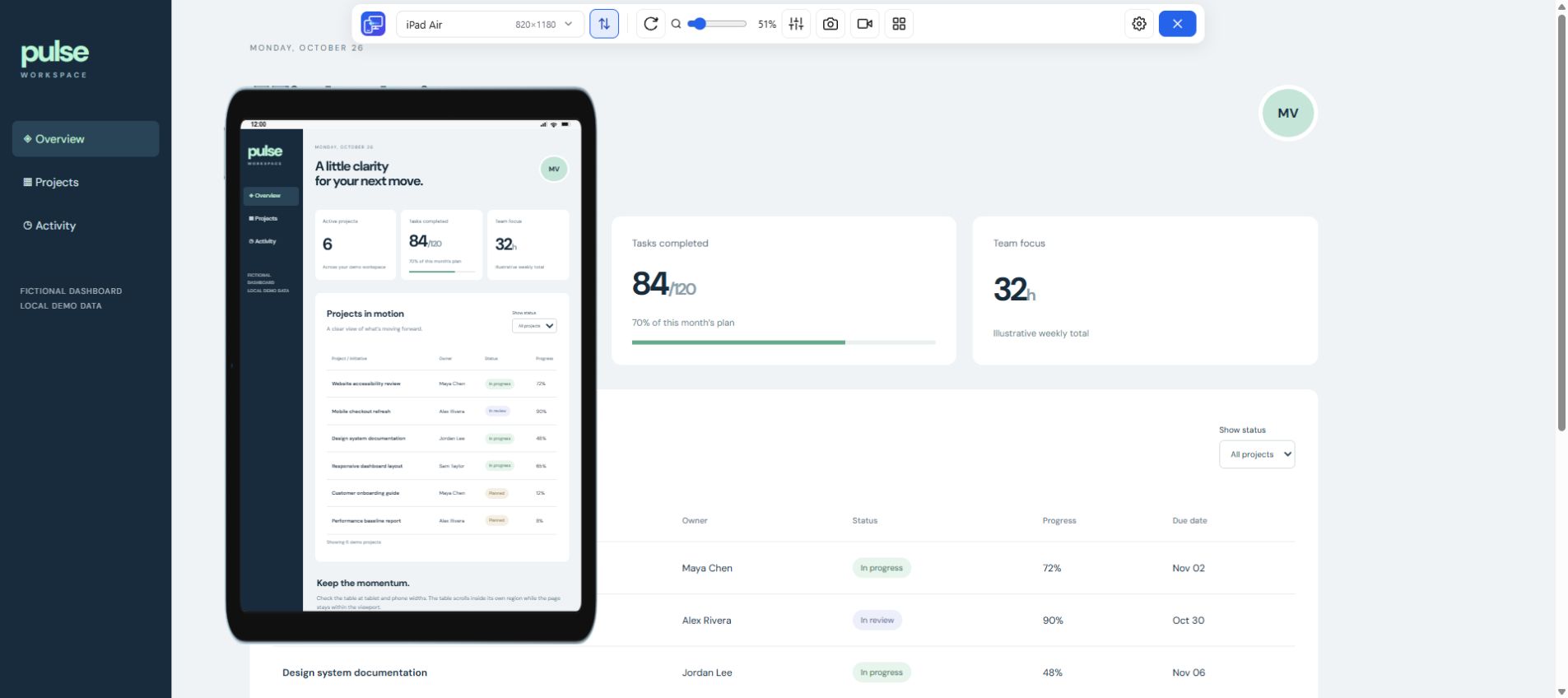
Check the layout between phone and desktop with iPad and Galaxy Tab previews.
Explore featureChoose a starting point for your next website check. Select devices and sizes, compare page layouts, follow a user flow, or record a walkthrough. All workflows use the same free Chrome extension.
Mobile Viewer includes 25 phone and tablet presets, portrait and landscape previews, custom sizes, and up to five mobile devices beside desktop. Turn on Sync to mirror interactions when useful. Save a selected-device PNG or record one preview or the entire tab to share a result.
Start with the task you want to complete below. For installation and a step-by-step comparison with Chrome’s built-in Device Mode, open the Chrome guide.
Open your page, choose a device, and see how the layout responds.
Install extensionChrome Web StoreFreeFree browser extension · No account required · Runs on your computer