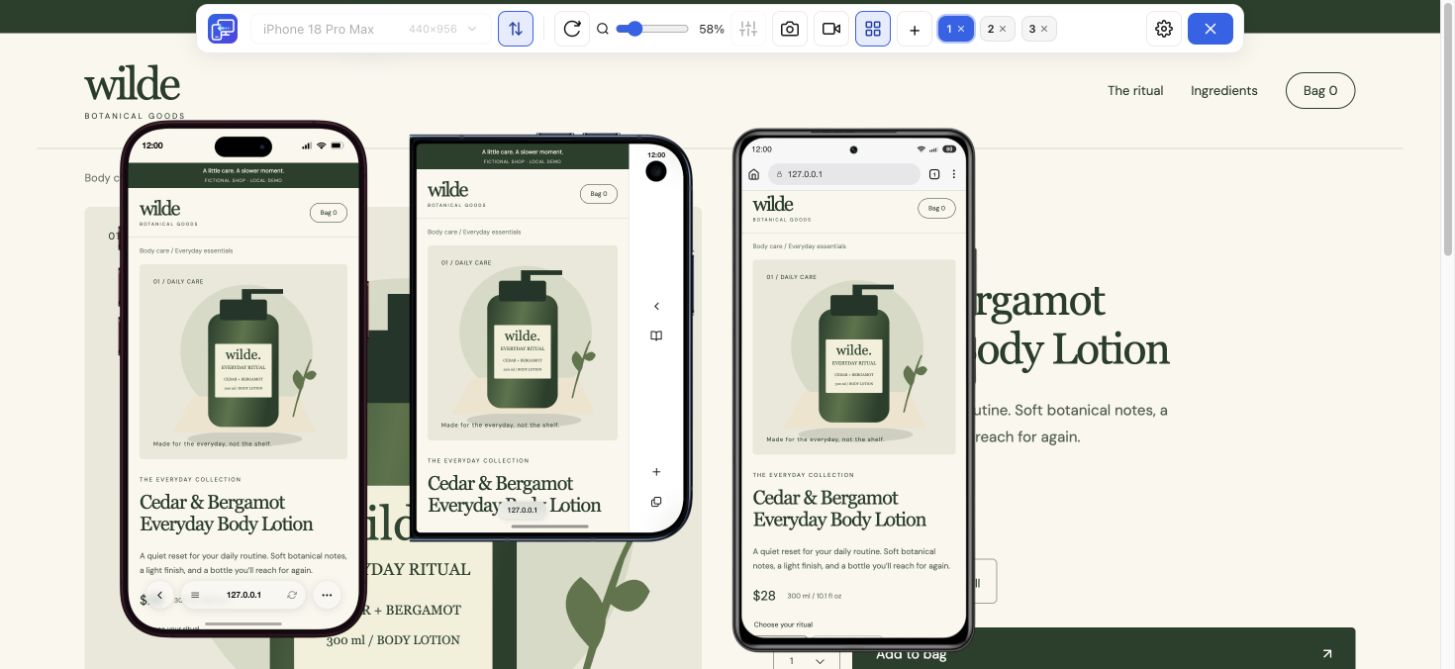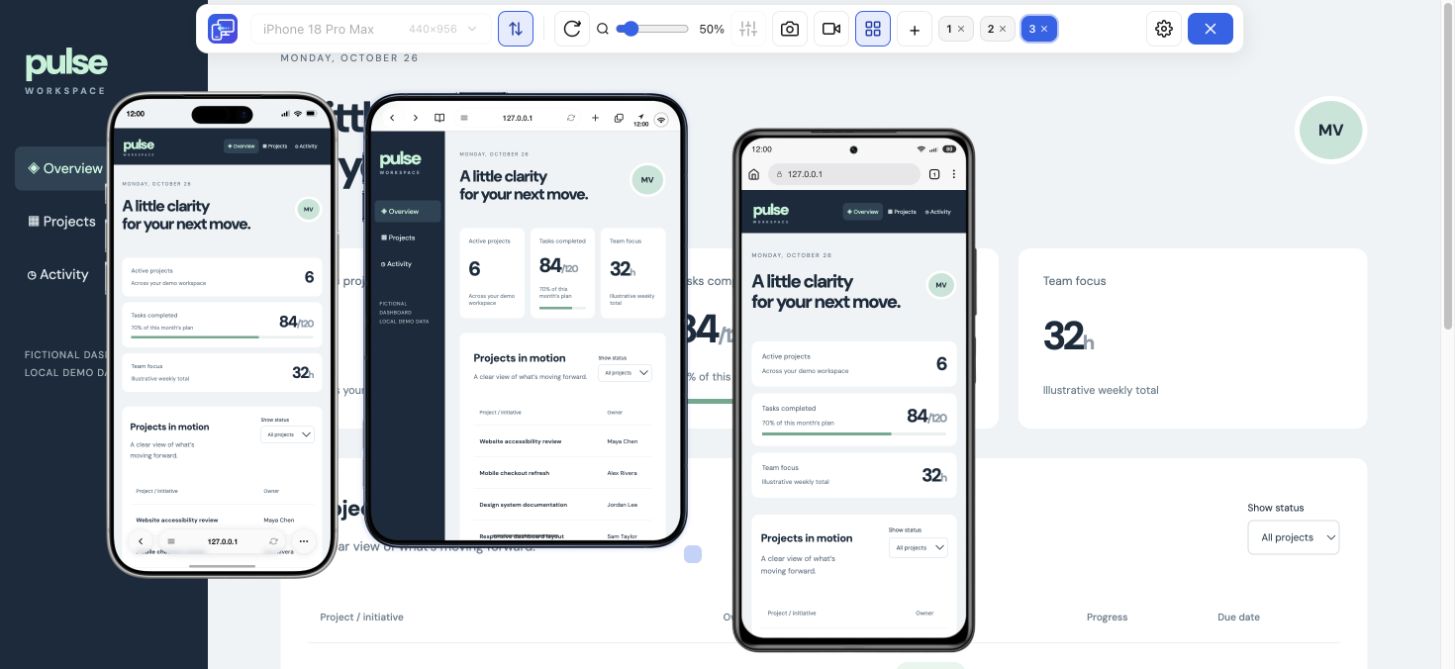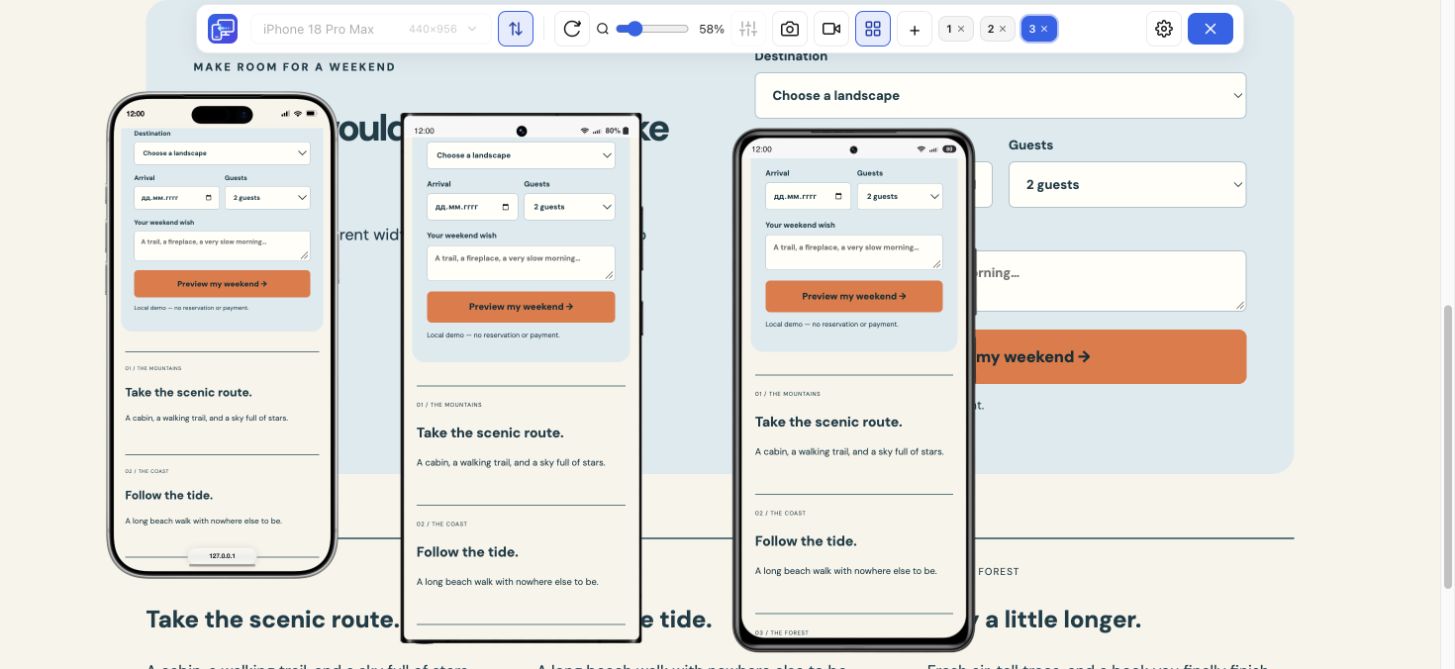
360 px: does it still fit?
Inspect a long product name, price and primary button. Check that a fixed-width card or banner does not run beyond the preview edge.
Android sizes, one useful comparison
Android phones come in many shapes. Check how your website handles a narrow Galaxy, a taller Xiaomi and a wider Pixel without rebuilding the same browser setup each time. Mobile Viewer is a free Android website simulator in desktop Chrome: choose presets, compare interactive previews and keep the desktop page beside them.
Free browser extension · No account required · Runs on your computer
Start with contrasting widths rather than five nearly identical phones. These values describe the current Mobile Viewer presets. Android display size, browser controls and user settings can change the layout space on a physical phone.
| Preset | Portrait CSS px | Useful checkpoint |
|---|---|---|
| Galaxy S8 | 360 × 740 | Narrow headings, menus and two-column assumptions |
| Pixel 5 | 393 × 851 | Card wrapping and intermediate widths |
| Xiaomi 11i | 393 × 873 | Same width, different visible height |
| Galaxy S24 Ultra | 412 × 918 | Wider phone spacing and tall page sections |
| Pixel 6 Pro | 412 × 892 | Compare height at the same nominal width |
Use a page your visitors actually need: a product detail, booking form or article with navigation. Keep the same content across the previews and work through these checkpoints.
Inspect a long product name, price and primary button. Check that a fixed-width card or banner does not run beyond the preview edge.
Look for awkward final cards, overly wide gaps and short labels that unexpectedly become two lines. A slightly wider phone can expose a different issue.
Open the same menu or dialog after rotation. The wider but shorter view can leave its close or submit control outside the visible area.
Install the Chrome extension, open your website and add the Android presets you want to compare. Multiview supports up to five mobile previews beside desktop. Use Sync for supported shared interactions when it helps you compare the same state; turn it off for independent checks.
A preview is interactive: scroll to the content, open the navigation and follow your test flow. Save a PNG of the selected device or record the device or entire tab when you need to explain a finding. This makes the Android simulator useful during everyday responsive development.
Searching for an Android emulator Chrome extension can lead to very different tools. For checking a website’s responsive layout, a browser preview is a quick starting point. For installing an APK, debugging an Android app or testing the operating system, you need a full Android environment instead.
| Your task | Where Mobile Viewer fits |
|---|---|
| Compare website layouts at Android sizes | Choose presets and inspect multiple previews in desktop Chrome |
| Check one exact width or height | Enter a custom viewport and repeat the same page task |
| Run an APK or Android OS | Use an Android emulator or a real Android device |
| Verify a specific Android browser or keyboard | Use the actual browser/device or a suitable testing service |
Need an Android emulator online? An Android emulator for website testing and a hosted Android OS session solve different tasks. Mobile Viewer loads your website through an installed desktop Chrome extension. The website-preview workflow supports HTTPS pages and localhost projects; it is useful when you want fast visual checks while working in your normal browser.
If you are looking for an online Android emulator in Chrome, check whether you need a website preview or APK execution. Treat the preview as one layer of testing: confirm display scaling, the on-screen keyboard, browser-specific rendering and hardware features on target Android devices.
Install Mobile Viewer in desktop Chrome, visit your HTTPS or localhost page, and start the extension.
Choose Galaxy S8, Pixel 5 and Galaxy S24 Ultra. Review a narrow 360 px layout beside 393 px and 412 px layouts.
Read a product, open a menu or complete a test form. Rotate a preview, document the dimensions and share a screenshot or recording if you find an issue.
For websites, it provides Android-sized browser previews and related inspection tools in Chrome. It does not emulate the Android operating system. Simulator and emulator are common search terms, so the website scope is the useful distinction.
No. Mobile Viewer previews websites. Use an Android development emulator, an app testing service or a physical Android device for APK files.
Android resolution and display scaling settings can change CSS dimensions and DPR. Our table identifies our preset configuration. Reproduce values measured on your target phone with a custom viewport when needed.
Yes. Open your localhost or 127.0.0.1 page in Chrome and launch Mobile Viewer. Non-local HTTP pages are not supported; use HTTPS for those sites.
Start with a narrow phone and a wider one. Compare the same page, find the uncomfortable layout and keep the evidence with your next fix.
Install extensionChrome Web StoreFreeFree browser extension · No account required · Runs on your computer
Feature
Check your website at compact and large iPhone sizes, side by side.
Explore featureDevice reference
An interactive device size reference with practical website checks.
Explore deviceFeature
Follow a user journey across mobile sizes and record what needs fixing.
Explore feature