Feature
Mobile website testing
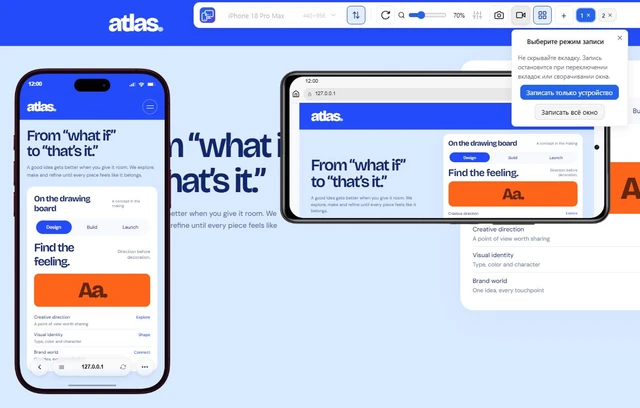
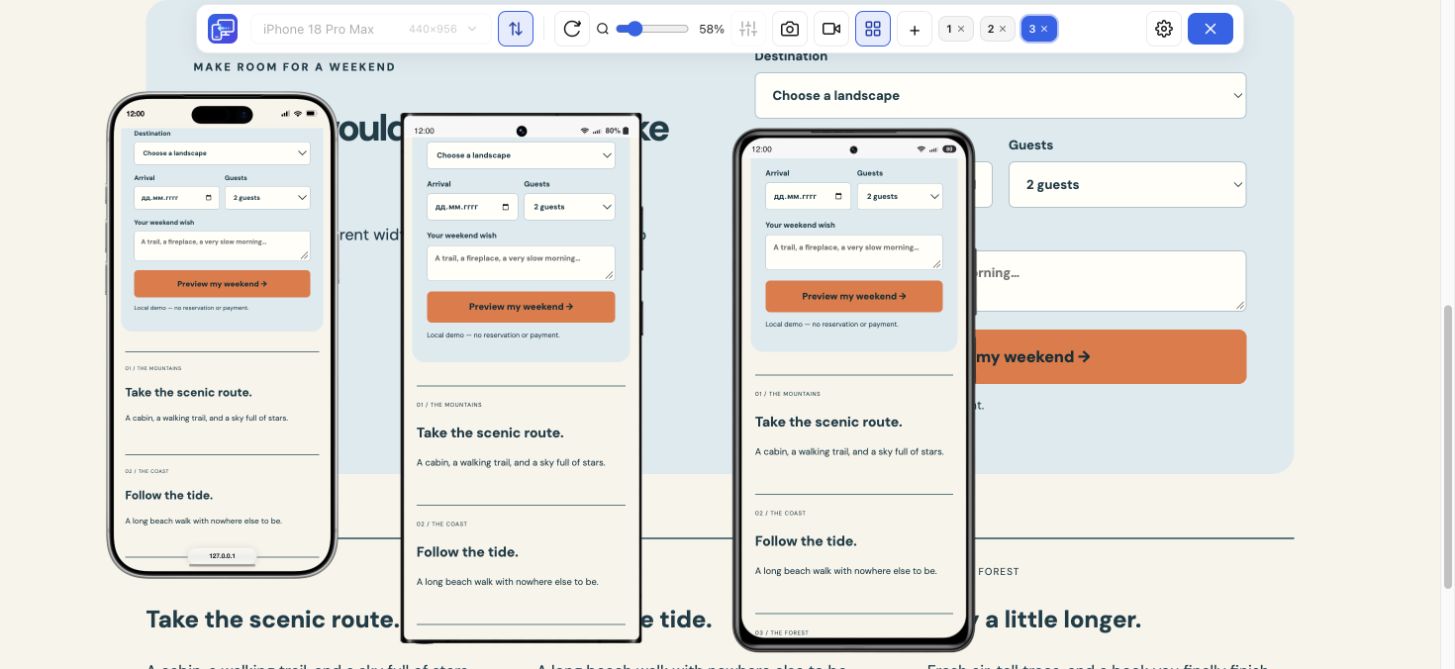
Follow a user journey across mobile sizes and record what needs fixing.
Explore feature Mobile Viewer
Website in 52 languages
A reusable report, ready to fill in
Copy the template or download the text file. Fill it manually in your existing issue tracker or document; no extension or account is required. Keep one finding per report and identify the dimensions where it occurs.
Read the guideName the environment you actually checked: desktop preview or real device. Include the browser version and viewport dimensions, even when you also give a device preset name.
Title:
Page or test route:
Website build / revision:
Observed in: desktop preview / real device
Browser and version:
Operating system:
Viewport width × height in CSS pixels:
Device preset or custom size:
Orientation:
Starting state and test data:

Steps to reproduce:
1.
2.
3.

Expected result:
Actual result:
Frequency: every attempt / intermittent / once
Comparison at another width:
Evidence: screenshot or video filename
Impact on the user task:
Retest build and result:This fictional website example illustrates the fields. Replace its route, dimensions, and observations with evidence from your own check.
Title: Final menu item is unreachable
Page / build: /workshops/ on staging; example-build-12
Environment: desktop Chrome preview; record browser and OS versions
Viewport: 360 × 640 CSS pixels, portrait
Starting state: navigation closed

Steps:
1. Open the workshop page at the recorded dimensions.
2. Open navigation.
3. Scroll toward the final item, Contact.

Expected: Contact is visible and can be activated.
Actual: Contact remains below the panel edge.
Frequency: 3 of 3 attempts in this example.
Comparison: reachable at 360 × 800.
Evidence: short-menu-360x640.png; menu-scroll.webm
Impact: visitor cannot reach Contact through navigation.
Retest: pending on the next build, at both heights.Use a screenshot for a static state and a short video when the sequence matters. Mobile Viewer saves the selected device as a framed PNG or records a device or the tab. Video uses MP4 when supported, otherwise WebM. You attach the file through your own tools; the extension does not create or submit the report.
Keep private page data out of shared evidence. Describe what you observed separately from a suspected cause. After the fix, repeat the same dimensions, starting state, and steps; add the build and result to the retest field. A finding in desktop Chrome should remain labelled as such until separately checked on a real device.
Reproduce the issue in Mobile Viewer at the recorded dimensions. Save a focused-device PNG for a static problem or record a device or tab for a sequence, then attach the file to your report.
Install extensionChrome Web StoreFreeFree browser extension · No account required · Runs on your computer
Feature
Follow a user journey across mobile sizes and record what needs fixing.
Explore featureFeature
Record one device preview or the whole tab to explain a website interaction.
Explore feature