Guide
Mobile view in Chrome
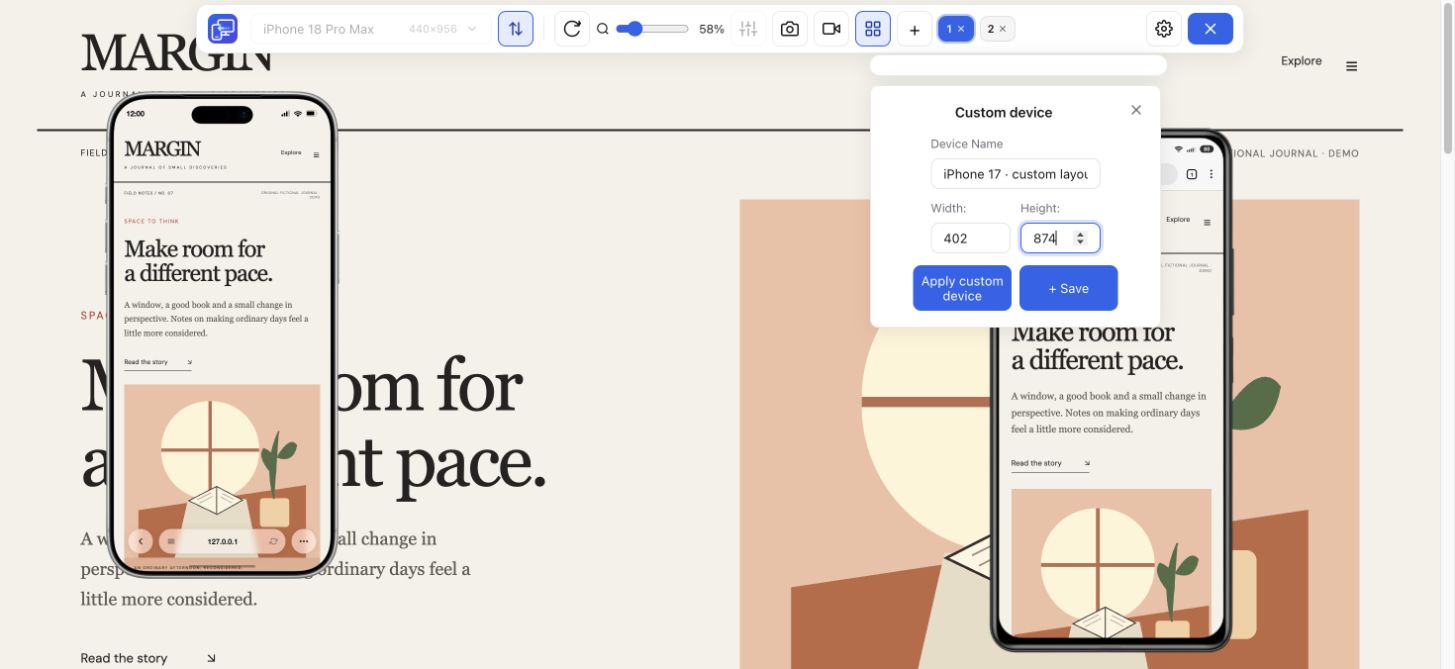
Follow the steps for Chrome Device Mode or use Mobile Viewer beside desktop.
Explore guide Mobile Viewer
Website in 52 languages
Mobile Viewer guides
Step-by-step help for previewing a website on your computer.
Guide
Follow the steps for Chrome Device Mode or use Mobile Viewer beside desktop.
Explore guideGuide
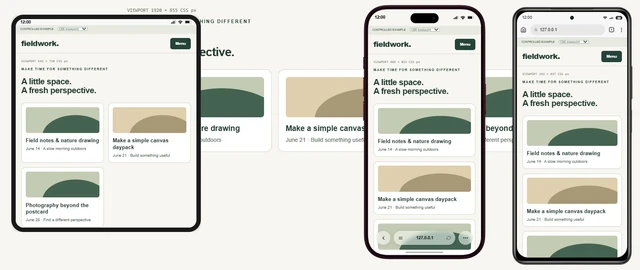
Understand how layouts adapt, then check the behavior in your own website.
Explore guideGuide
Choose viewport dimensions and know what to inspect at each size.
Explore guideGuide
Test a media-query boundary with a CSS example and expected results.
Explore guideGuide
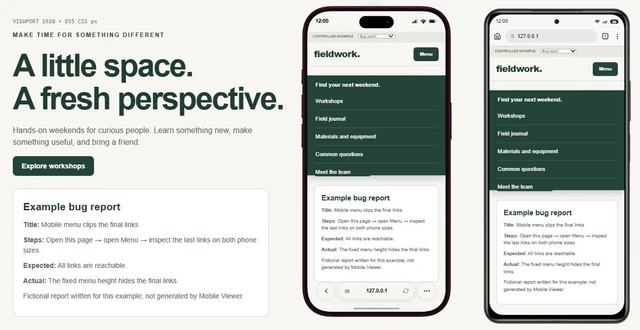
Copy a report template and describe a website issue someone can reproduce.
Explore guideGuide
Decide when a Chrome preview is enough and when you need real-device testing.
Explore guideGuide
Choose between a Chrome extension workflow and a dedicated responsive browser.
Explore guideGuide
Measure your browser and screen in CSS pixels, then copy a report to reproduce a layout issue.
Explore guideGuide
Run a pre-launch review, repeat key checks in production and test three common mobile issues.
Explore guideGuide
Check six mobile tasks, fix an overflowing action and copy your results for a retest.
Explore guideGuide
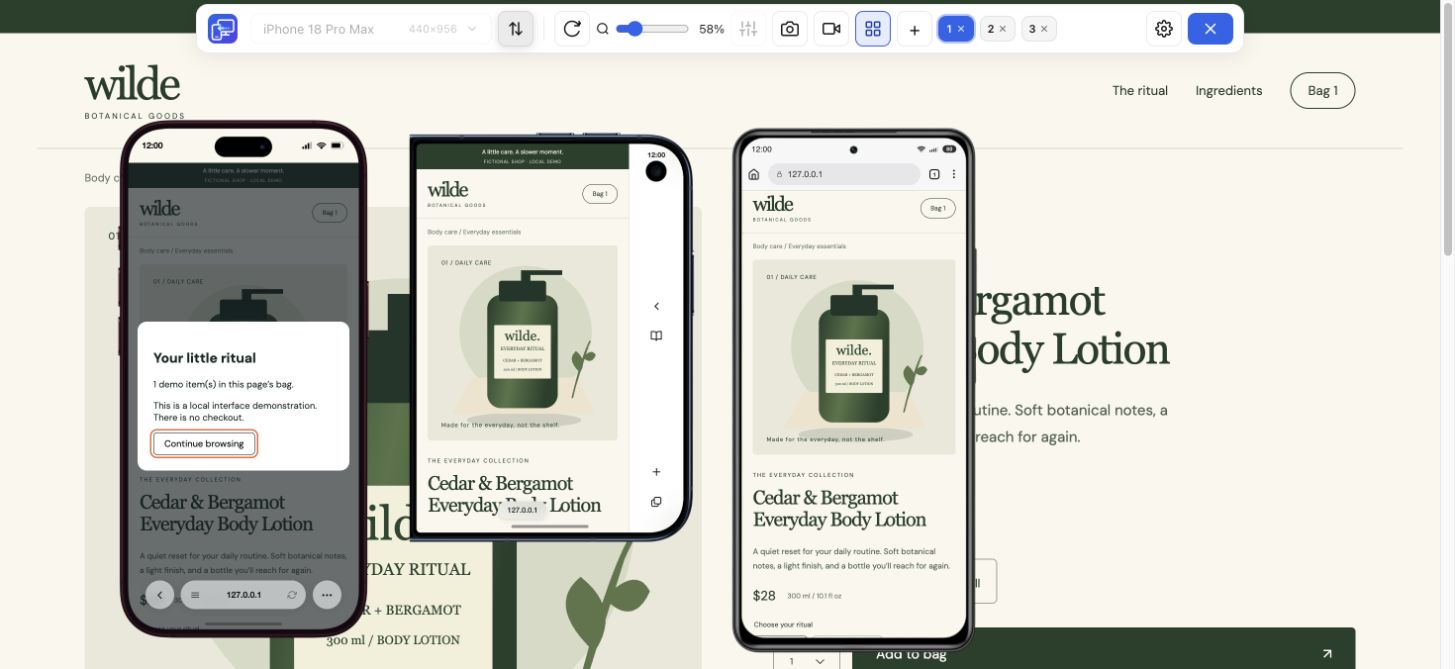
Choose separate mobile artwork, understand banner sizes and check the storefront after a theme change.
Explore guideStart with the question you need to answer: how to view a website in Chrome, choose useful sizes, inspect a breakpoint, or report a finding. Learn the design principles behind the layouts too. Each guide provides a practical example and explains where desktop previews fit into the review.
The Chrome guide covers setup. The dimensions and CSS breakpoints guides help you choose and compare sizes; the bug report template helps document a finding. For layout principles and terms such as mobile-first design, start with the responsive web design guide.
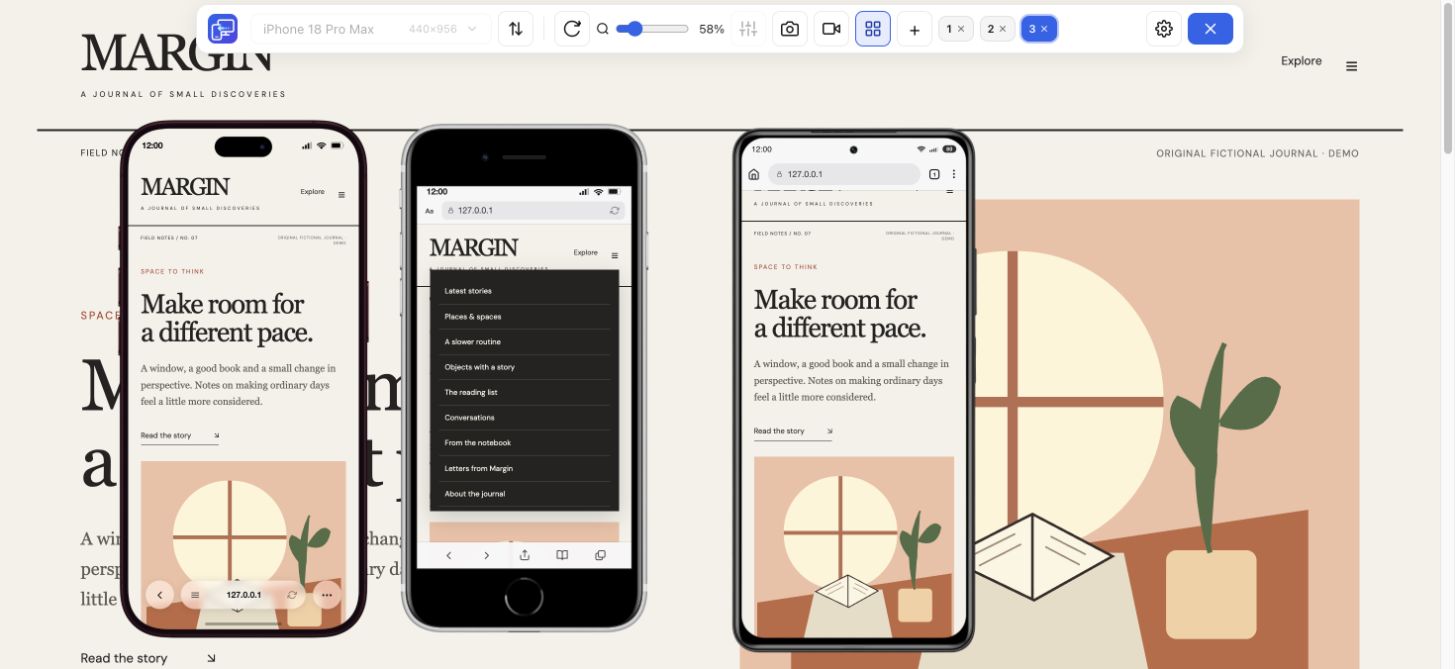
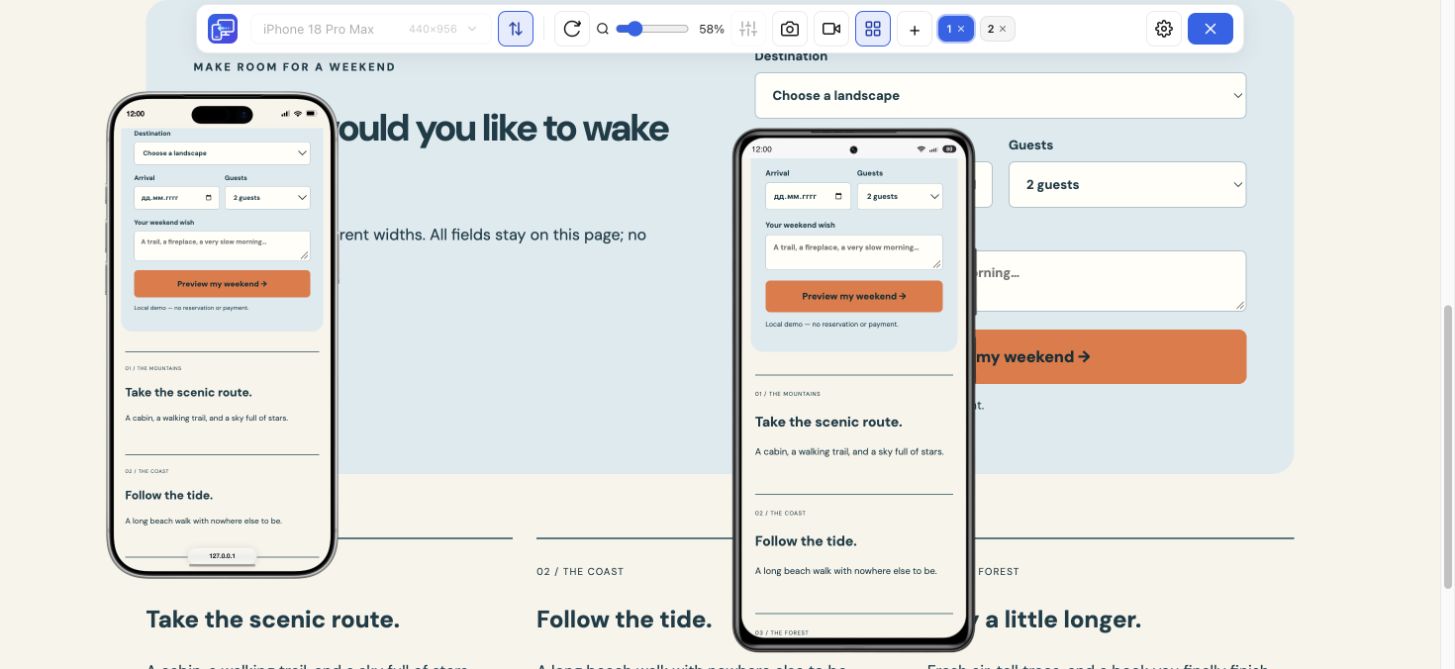
Open your page, choose a device, and see how the layout responds.
Install extensionChrome Web StoreFreeFree browser extension · No account required · Runs on your computer